




Three formats under one name
| Format | What it is | Strength | Weakness |
|---|---|---|---|
| Shared Google Sheet | A table anyone with the link can view | You can see every column, sort, filter and copy it | Owner can remove it; quality varies |
| Web catalogue | A website that shows rows as product cards with search | Easy to browse on a phone; photos | Hides the raw data; usually run for income |
| Your own file | A sheet you keep privately | Checked by you; real weights and costs | Takes effort to start |
All three are "sheets" in everyday speech. They differ in how much you can see and who controls them, and that matters more than how they look.
Shared Google Sheets
The classic form. A good one has tabs by category, a link column, a price in yuan, and a date somewhere showing when it was last maintained. Use the features the format gives you. Turn on a filter view to hide rows above your budget. Use Ctrl+F for a product type. Check File → Version history → See version history if the owner allows it, to learn when rows were last changed. Most usefully, make a copy to your own drive so the list survives if the original is withdrawn.
The weakness is that anyone can publish one. Sheets differ wildly in care. How to judge a spreadsheet gives a scoring method.
Web catalogues
Many "spreadsheets" are now websites: cards with photos, a search box and a button per item. They are pleasant to browse and usually exist to earn money for whoever runs them, through sign-up links or by selling goods directly. That is not a reason to avoid them. It is a reason to know who runs the one you are using.
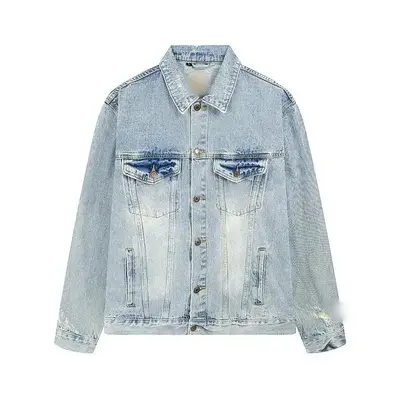
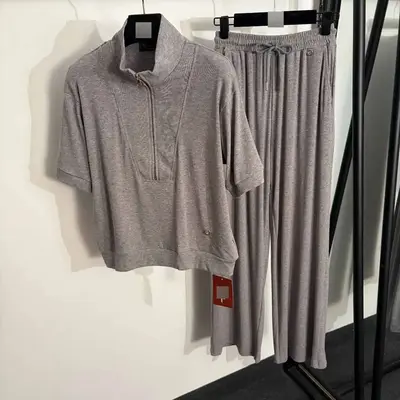
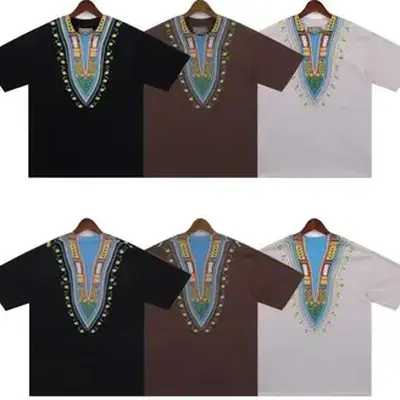
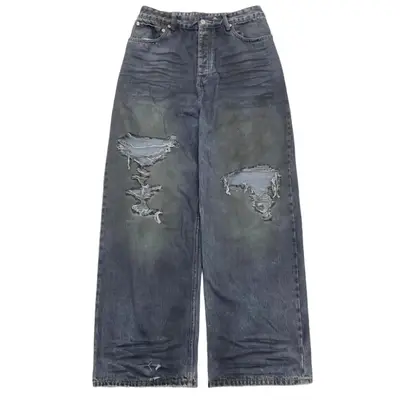
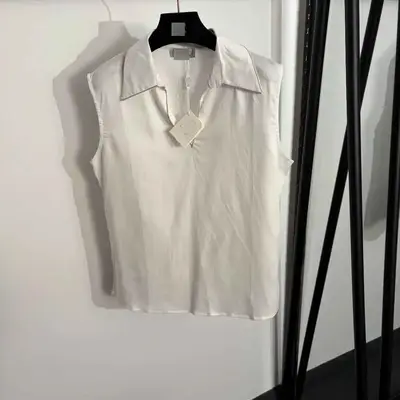
The catalogue that this site's search box and category grid open is an example, so we will describe it plainly. It is run by the same team as this guide, lists more than 10,000 items of many kinds, and is tied to our WhatsApp and Telegram ordering desk. It is not AllChinaBuy's catalogue and not a community sheet. The tile photos on this page are unbranded items from it, checked by hand.
When using any web catalogue, look for three things: whether the seller's own listing address is shown, whether prices carry a date, and whether the site says who operates it.
Your own sheet: a template
The most reliable sheet is the one you build from your own orders. Create a blank spreadsheet with these columns.
| Column | Example | Why it earns its place |
|---|---|---|
| Item | Grey zip hoodie, heavyweight | Your own words, searchable |
| Platform | Taobao | Needed to rebuild the address |
| Listing ID | A long number | The one thing that survives any agent |
| Shop name | As shown on the listing | Lets you find a relisted product |
| Price CNY | 168 | Always in the seller's currency |
| Date checked | 2026-11-14 | A price without a date is a rumour |
| Size bought / fit | L, fits like EU M | Saves your next return |
| Real weight g | 742 | From the warehouse record; drives shipping |
| Agent used | — | For comparing service later |
| Parcel cost per kg | $37.14 | Divide the line price by billed weight |
| Notes | Sleeves long; colour darker than photos | What the listing does not tell you |
Two formulas help. A dollar column of =E2*0.15, with the rate kept in one cell you update, converts prices. A landed estimate of =E2*0.15 + H2/1000*J2 adds the item's share of freight from its real weight and your cost per kilogram. With the example row, 168 × 0.15 = $25.20 and 0.742 kg × $37.14 = $27.56, so the hoodie costs about $52.76 delivered before import charges. That single number is more honest than any price on a public sheet.
Which format to rely on now
AllChinaBuy's site has shown a maintenance notice since at least 11 November 2026, so every format that depends on its links is impaired. Public Google Sheets that show listing IDs can be moved to an open agent quickly. Web catalogues built on AllChinaBuy short links are stuck. Your own file is unaffected, because you stored the IDs. If you have never kept one, this outage is the best argument for starting.
Sharing a sheet responsibly
- Share view-only, and keep an editable master elsewhere.
- Put the last-updated date in the first row.
- Say plainly if your links earn you anything.
- Do not promise outcomes. A row is a lead, and what a buyer may lawfully import is their own responsibility.
Back up before you need it
A shared sheet belongs to its owner, who can close it at any moment. Use the File menu to make your own copy or download it as a spreadsheet file, and repeat that each time the maker updates it. Web catalogues cannot be copied this way, so note the seller IDs of anything you plan to buy.
Method and sources
Format descriptions come from examining public sheets and catalogues of this kind. The template arithmetic was calculated with a script using the exchange rate and yardstick freight price read on 14 November 2026.
- allchinabuy.com maintenance notice, read 14 Nov 2026
- Semrush US keyword export, 14 Nov 2026
- LitBuy public estimator, 2 kg to the US ($74.28), 14 Nov 2026
- open.er-api.com exchange rate, 14 Nov 2026
Frequently asked questions
Related guides
 Scan to chat
Rather have one price than work out the fees?
Message the ordering desk run by the team behind this guide. Send a link or a screenshot from the photo albums and you get one total back. This desk is our own service; it is not AllChinaBuy or ACBuy.
- Paste the link or a screenshot and add your size and colour.
- We send back one total with delivery to your address included.
- We buy it and photograph your item so you see it before it ships.
- You pay per order with no agent account to open.
- Tracking arrives the day it leaves China.